
A few weeks ago we told you the LazyDog Editor was becoming a proper Windows application. That work is done: the LazyDog Editor is live on the Microsoft Store today, free to download, free to use.
What you get
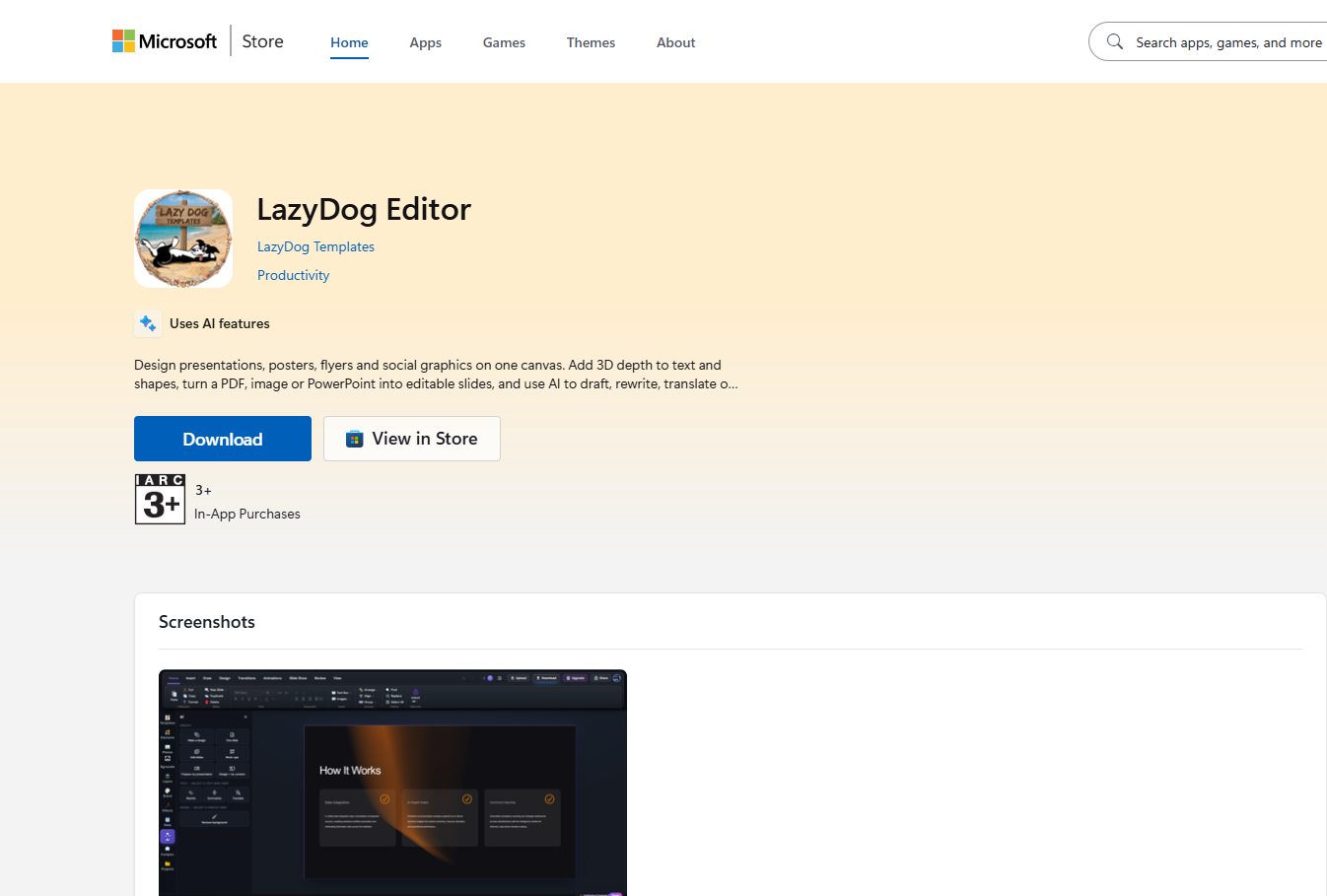
Same editor you already know from the browser — a full ribbon (Home, Insert, Draw, Design, Transitions, Animations, Slide Show, Review, View), Templates, Elements, Photos, Backgrounds, Layers, Brand and Projects down the side — now running as its own Windows application instead of a browser tab.
Your files stay yours
Open a deck straight from your Documents folder and save it back — no upload step.
It stops fighting your browser
No tab crashes, no shared memory with a hundred other pages.
Editing stays free
Typing, moving, resizing, exporting — free, always. Only the AI automation runs on paid tokens.
If you never touch the AI tools, the desktop editor costs you nothing, forever. Pricing for the automated tools is explained in full on the pricing page.